Adding a story
Access
To access the Story Editor the user must be authorised by inserting the user into the auth_user_roles table and setting the mgnn_admin column to TRUE.
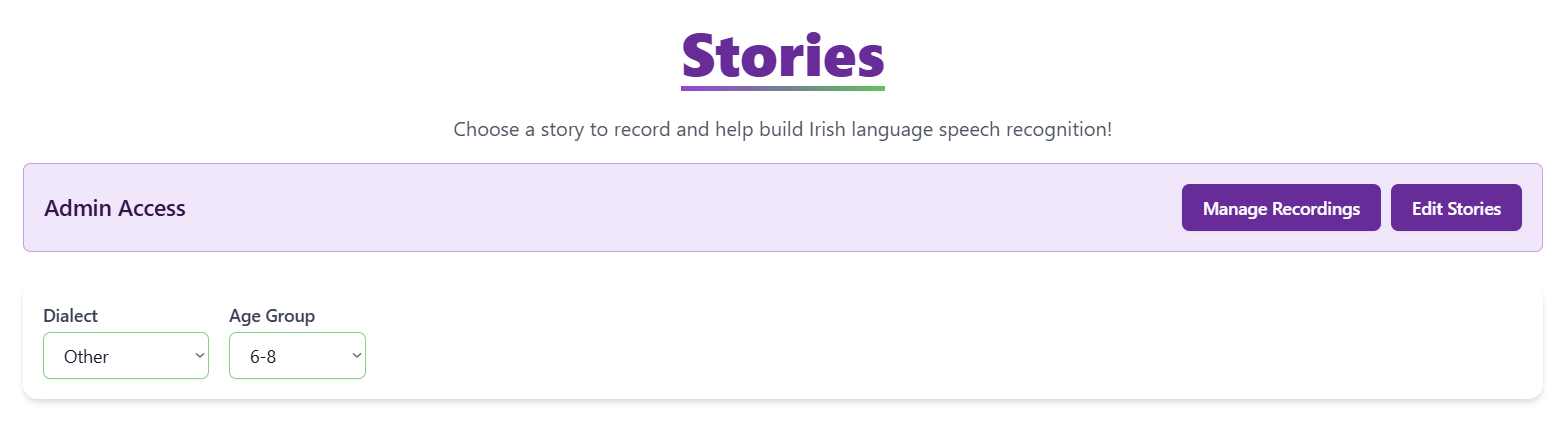
Once the user is authorized they will see this panel in the dashboard.
Bulk add
An admin can speed up the process of adding stories by pressing the Show Bulk Text Upload button and then pasting in a chunk of text into the textbox. The text will be semgneted by full-stops, question-marks, and exclamation marks.
Segment-by-segment
The admin can add a new segment by pressing the Add Segment Below button that appears on the right of each segment.